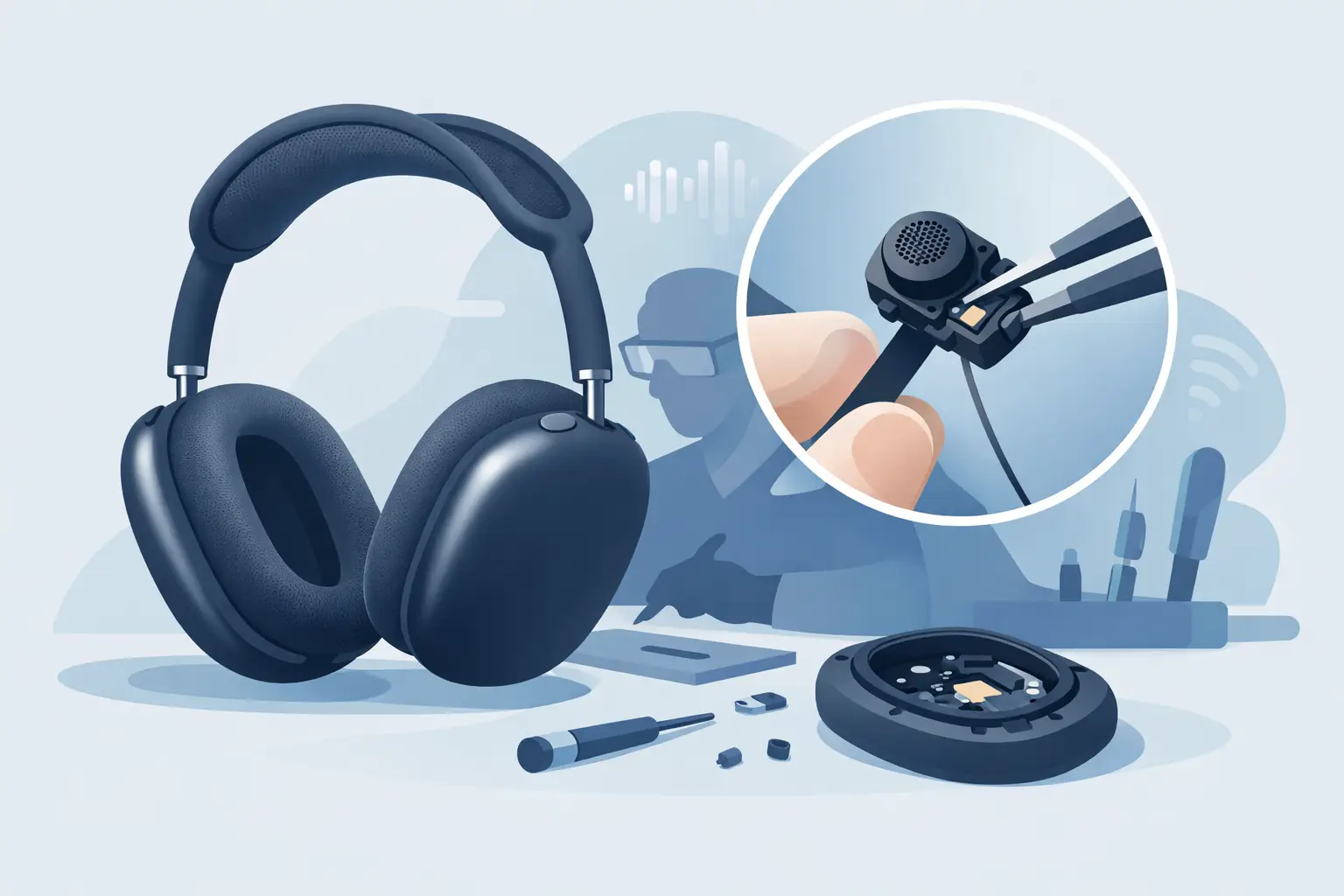
A muffled voice note, callers asking you to repeat yourself, or Siri no longer hearing commands can make premium headphones feel far less premium. AirPods Max microphone repair is often the right next step, but a microphone fault is not always caused by a failed component. Connection settings, app permissions, debris and moisture can all produce similar symptoms.
The useful question is not simply whether the microphone has stopped working. It is whether the problem follows the headphones across devices and apps. A few careful checks can help you avoid paying for a repair you do not need, while getting a genuine hardware fault dealt with before it becomes more disruptive.
Signs your AirPods Max microphone may have a fault
Microphone problems can be obvious, such as no sound being picked up at all. More often, they appear as inconsistent call quality. Your voice may sound distant, broken up or unusually quiet to other people, even when music playback remains clear.
You may also notice that voice control responds poorly, recordings have a crackle or hiss, or people can hear excessive wind and background noise during calls. If the problem happens in several apps and on more than one paired device, that is a stronger indication that the issue sits with the AirPods Max rather than your phone, laptop or a single app.
It is worth separating microphone trouble from general audio faults. If you cannot hear callers but they can hear you, the issue may be with the speaker side or call routing. If neither side can hear anything, Bluetooth connection, software or the device itself may be involved. A proper diagnosis looks at the complete symptom, not one feature in isolation.
Check these basics before booking AirPods Max microphone repair
Start by making a short voice recording on your iPhone, then listen back through the phone speaker. This gives you a simple test of how your voice is being captured without relying on a call signal or another person's connection. Follow that with a call and, if possible, test the headphones with another Apple device.
If the microphone works normally on one device but not another, remove the AirPods Max from Bluetooth settings on the affected device, pair them again and check that the calling app has permission to use the microphone. A video-call app with restricted microphone permission can look exactly like a headphone fault.
Next, inspect the external microphone areas for visible dirt. The fine openings are designed to pick up speech and support noise control, so a build-up of dust, make-up or residue can affect performance. Use a clean, dry, soft brush with a light touch. Do not insert anything into the openings, spray cleaning fluid onto the headphones or use compressed air. Those shortcuts can push debris further in or damage delicate internal parts.
Charge the AirPods Max fully before testing again. Very low charge can contribute to odd connection behaviour, and intermittent Bluetooth issues sometimes present as broken or robotic voice audio. Check for available updates on the paired Apple device as well, then restart the headphones using Apple’s recommended process. Resetting and pairing them again is sensible if the fault began after a software change or a connection issue.
These checks are worthwhile, but they have limits. If recordings remain quiet, distorted or absent after testing across devices, repeated resets are unlikely to restore a failed microphone assembly.
Why AirPods Max microphones can stop working
AirPods Max are built around closely integrated components. Their microphones support calls, voice commands and noise-control features, which means a fault can be caused by more than the microphone itself. Internal cabling, connections, battery condition and Bluetooth-related hardware can all influence how the headphones behave.
Daily use is usually not a problem, but drops, knocks and accidental moisture exposure can cause damage that is not visible from the outside. Sweat and damp conditions may also lead to trouble over time, particularly if the headphones are stored before they are fully dry. A single incident is not always the cause, but it is useful information for a technician during diagnosis.
Age can play a part too. As a heavily used pair of headphones accumulates charge cycles and wear, more than one issue may emerge at once. For example, an owner might notice unreliable calls alongside reduced battery life or intermittent pairing. That does not automatically mean the headphones are beyond repair. It means the assessment should identify the underlying fault rather than replace one part on guesswork.
When professional repair is the sensible option
Professional AirPods Max microphone repair makes most sense when the problem is consistent across devices, the microphone remains poor after basic checks, or there are related audio and connectivity faults. It is also the safer route after liquid exposure or a hard impact, even if the headphones still appear to work some of the time.
Opening AirPods Max at home is not a low-risk repair. The design contains compact assemblies, adhesive and sensitive connections. An attempted DIY fix can turn a focused microphone issue into a larger fault, especially if the headphones are opened with unsuitable tools. Replacing an external-looking part rarely addresses an internal connection or board-level problem.
A specialist repair service should test microphone input, audio output, connectivity and charging behaviour before recommending work. This matters because the correct repair depends on the fault found. A clear diagnosis gives you a better basis for deciding whether repair offers value than a generic assumption that the microphones simply need replacing.
At MaxFix, AirPods Max are the sole focus. The repair service includes a free diagnosis, supports common audio, battery and connectivity faults, and operates on a No Fix No Fee basis. That keeps the process straightforward: establish what is wrong first, then decide whether the repair is worthwhile.
Repair or replacement: how to decide
For an expensive pair of headphones, repair is often the more cost-conscious option when the headband, ear cushions and main audio performance are otherwise in good condition. Restoring clear calls and reliable voice control can extend the useful life of a pair you already know and enjoy.
Replacement may make more sense if there is extensive physical damage, several major faults or a repair cost that comes too close to the value of another professionally tested pair. In that situation, a genuine refurbished AirPods Max model can offer premium sound at a lower cost than buying new, with condition grading making it easier to choose based on budget.
The right answer depends on the condition of your own headphones. A microphone issue on an otherwise excellent pair is very different from a microphone issue alongside damaged cups, battery deterioration and persistent disconnections. Diagnosis prevents an expensive decision based on incomplete information.
Prepare your headphones for assessment
Before sending AirPods Max for inspection, make a note of when the issue happens. Mention whether calls are silent, quiet or distorted, whether Siri is affected, and whether the fault occurs with more than one device. If there has been a drop, moisture exposure or a recent software update, include that too.
Remove personal accessories and make sure the headphones are reasonably charged. You should also back up any relevant device settings if you plan to unpair or reset the headphones as part of troubleshooting. Clear information helps the technician recreate an intermittent fault rather than relying on a single quick test.
Clear calls should not be a luxury feature on AirPods Max. If a dry clean, re-pair and cross-device test do not improve the microphone, a specialist diagnosis is the practical way to protect the headphones, your budget and the listening experience you bought them for.