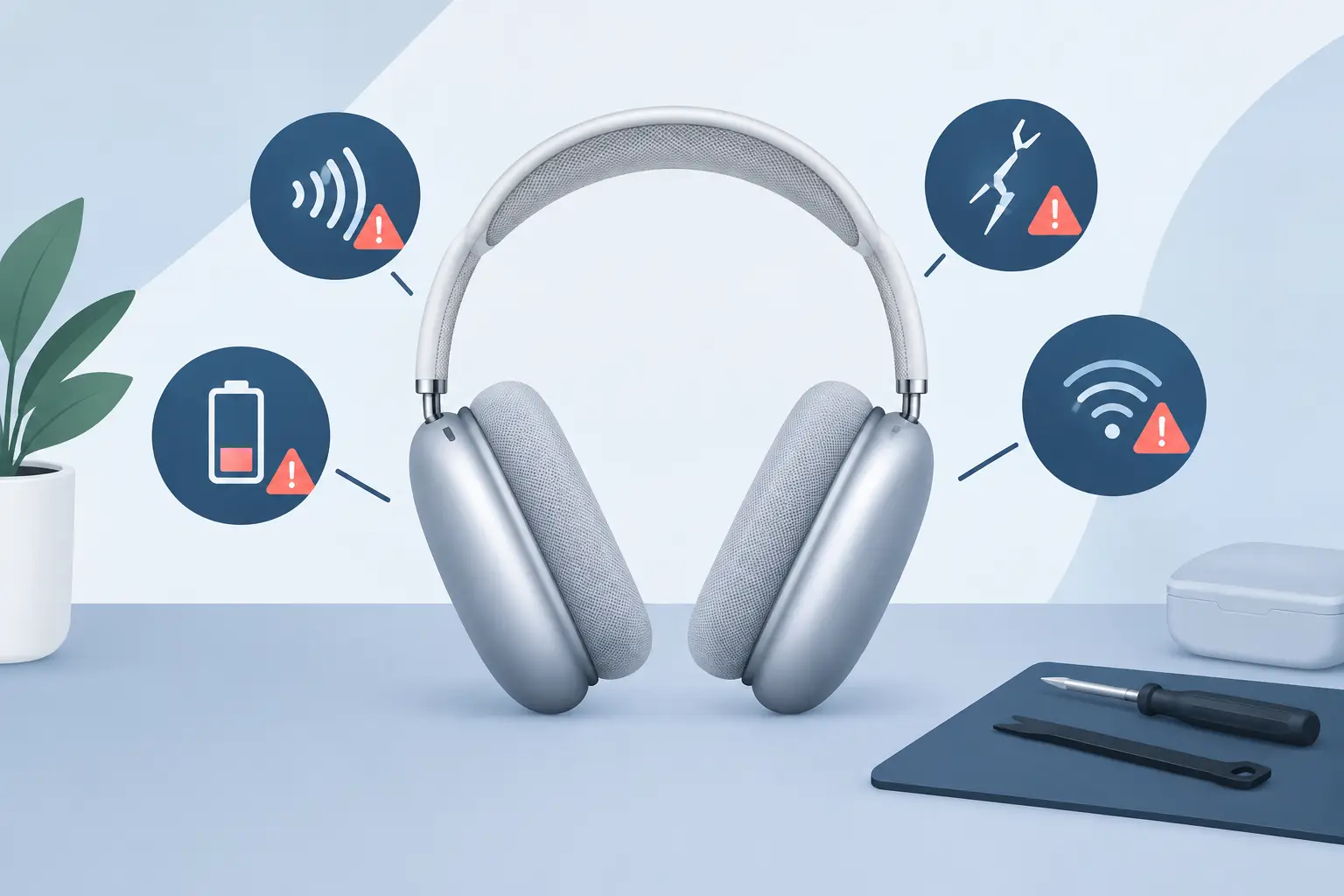
Your AirPods Max should connect quickly, hold charge reliably and sound equally clear from both ear cups. When that changes, ignoring it can turn an intermittent fault into days without your headphones. Knowing the AirPods Max repair warning signs helps you act early, protect an expensive device and avoid replacing it before you need to.
Not every glitch means a repair is required. A software issue, low battery or a loose charging lead can look more serious than it is. The key is whether the problem repeats after a full charge, restart and basic checks. If it does, a professional diagnosis is the sensible next step.
Battery life drops faster than usual
A gradual reduction in battery performance is normal with regular use, but a sudden or severe drop is different. If your AirPods Max once covered a full commute, working day or several listening sessions and now need charging every day, the battery may be deteriorating.
Watch for a percentage that falls unusually quickly, headphones that switch off well before the battery indicator reaches zero, or a charge that takes much longer than expected to build. These signs can point to an ageing battery, a charging fault or a power-management issue.
A battery replacement can be a practical alternative to buying another premium pair of headphones. It is particularly worthwhile when the sound, headband and ear cushions are otherwise in good condition. The trade-off is simple: if several faults are present, diagnosis matters before committing to any work, as battery life may not be the only cause.
One ear cup sounds quieter, distorted or silent
AirPods Max are designed to deliver balanced sound across both sides. A noticeable difference in volume, crackling during playback or a completely silent ear cup is a repair warning sign that deserves attention.
First, rule out the obvious. Test with more than one app or device, check the balance settings on your iPhone, iPad or Mac, and make sure the ear cushions are seated correctly. If the fault remains in the same ear cup, it is unlikely to be a streaming or settings problem.
Distortion can be more noticeable with bass-heavy tracks, calls or higher volumes. You might also hear popping, static or audio that cuts in and out when moving your head. These symptoms may relate to internal audio components, connections or moisture exposure. Continuing to increase the volume to compensate for weak sound is not a fix and can make listening less comfortable.
Noise cancellation no longer feels effective
Active Noise Cancellation is one of the main reasons people choose AirPods Max. When it is working properly, steady background noise such as trains, office chatter and road sound should be noticeably reduced. If outside noise suddenly feels much louder, or Transparency mode and Noise Cancellation sound almost identical, something may be wrong.
Check that the mode has changed correctly through your connected Apple device and inspect the ear cushions for wear, tears or an imperfect seal. Ear cushions affect passive isolation, so a worn pair can make Noise Cancellation seem weaker even when the electronics are functioning correctly.
However, clicking, pulsing, whistling or uneven pressure between the two modes can indicate a deeper issue. Microphones and internal components play a key role in both Noise Cancellation and Transparency mode. A diagnosis can identify whether the fault is physical, electronic or related to the fit and condition of the cushions.
Bluetooth connections keep dropping
A one-off connection problem is frustrating but common. Repeated disconnections are different. If your AirPods Max disappear from Bluetooth, refuse to reconnect, stutter during music or calls, or work with one device but not another, investigate before the problem becomes permanent.
Start by charging the headphones, updating your Apple devices and restarting Bluetooth. You can also forget the headphones from your device settings and pair them again. This resolves some pairing problems, particularly after a software update or a device change.
If the same issue returns after re-pairing, especially across multiple Apple devices, it may be an internal connectivity fault rather than a settings issue. Intermittent Bluetooth is easy to put off, but it can quickly make premium headphones unreliable for commuting, remote meetings and everyday listening.
They do not enter or leave low-power mode properly
AirPods Max are designed to preserve battery when placed in their Smart Case. If you notice substantial battery loss while they are stored, or they appear to remain connected and active when not in use, there may be a power or detection issue.
The opposite can happen too: the headphones may fail to wake properly, seem unresponsive after being stored, or need repeated button presses before they reconnect. These faults can overlap with battery and connectivity problems, which is why a specialist assessment is useful. The symptom you notice is not always the component that needs attention.
Condensation, dampness or unexplained glitches
Headphones are often worn outdoors, on public transport and during long sessions. Changes in temperature can create condensation around the ear cups. That does not automatically mean damage, but moisture and electronics are never an ideal combination.
If your AirPods Max begin behaving unpredictably after rain, heavy perspiration or moving from cold weather into a warm room, stop using and charging them until they are fully dry. Do not use direct heat, place them on a radiator or attempt to open them yourself. Excess heat and DIY repairs can cause further damage.
Repeated issues after exposure to moisture, such as random disconnects, unresponsive controls or distorted sound, should be checked professionally. Early action gives you a better chance of preventing a temporary problem from becoming a lasting one.
Physical wear becomes a functional problem
Cosmetic marks alone do not usually need repair. Scuffs on the cups or minor signs of use are expected with headphones that travel everywhere with you. The concern starts when physical wear affects fit, charging or performance.
Pay attention if the headband mesh is sagging significantly, an ear cushion no longer attaches securely, the Digital Crown feels loose or difficult to turn, or the charging port only works when the cable is held at a certain angle. These are signs to address before a part fails completely.
Avoid forcing connectors or using damaged cables. A charging issue may be as simple as debris in the port, but poking inside with metal tools can create a more expensive fault. Gentle cleaning around the exterior is fine; internal repairs should be left to a technician.
When to stop troubleshooting and book a diagnosis
Basic checks are worthwhile, but repeated resets should not become your long-term repair plan. Arrange a diagnosis when one or more of these problems keeps returning:
- Battery performance has fallen sharply or the headphones switch off unexpectedly.
- Sound is missing, distorted or unbalanced in one ear cup.
- Bluetooth drops out across more than one device after re-pairing.
- Noise Cancellation, Transparency mode or controls behave inconsistently.
- The headphones show signs of liquid exposure, overheating or physical damage.
A proper assessment saves guesswork. It also prevents you paying for a battery replacement when the real problem is audio or connectivity related. At MaxFix, AirPods Max repairs begin with a free diagnosis and are supported by a No Fix No Fee commitment, giving you a clearer route to a working pair without unnecessary risk.
Repair or replace: make the value-led choice
Whether repair makes sense depends on the fault and the overall condition of your headphones. If your AirPods Max have a healthy headband, good cushions and a single repairable issue, extending their life is often the better-value option. You keep the sound profile and Apple compatibility you already enjoy while avoiding the cost of buying new.
Replacement may be more suitable where there is extensive damage or multiple major faults. Even then, choosing professionally refurbished AirPods Max can offer premium sound at a lower cost, provided the device has been properly tested, its condition is clearly graded and warranty cover is included.
The best time to act is when your AirPods Max are still usable but no longer dependable. A small recurring fault is your cue to get clarity, not something to work around until your next journey, call or favourite album is interrupted.