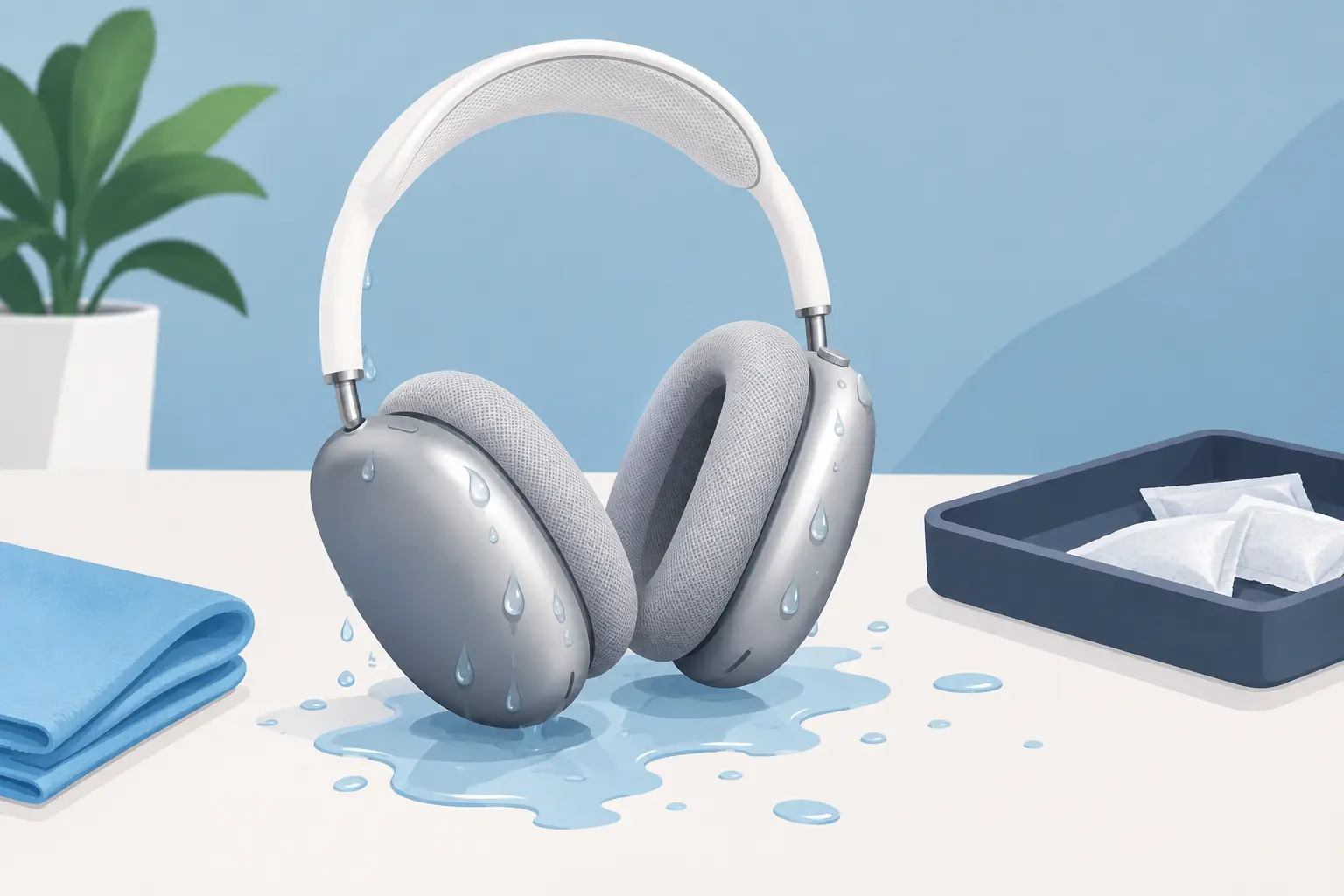
A few drops of rain on the way to the station may not spell disaster. A soaked ear cup, a spill near the charging port or headphones used straight after heavy exercise is a different matter. AirPods Max water damage can affect audio quality, charging, Bluetooth connection and the internal electronics that make these premium headphones work.
The most useful response is also the least dramatic: stop using them, keep them off charge and let them dry properly. Acting quickly can reduce the risk of a minor incident becoming an expensive fault.
Are AirPods Max waterproof?
No. AirPods Max are not waterproof or water-resistant, and they do not have an IP water-resistance rating. That means they are not designed for rain, gym sweat, spills, damp bags or use near a sink, pool or bath.
The aluminium ear cups, mesh canopy and removable ear cushions can make the headphones look well protected, but water can still reach vulnerable areas. Moisture may enter around the ear cushions, Digital Crown, noise control button, microphones, charging port and internal connections.
There is also a less obvious issue: condensation. AirPods Max can collect moisture inside the ear cups after extended listening, especially during exercise, commuting in cold weather or moving between cold outdoor air and a warm room. Condensation is not the same as dropping the headphones in water, but repeated moisture exposure can still contribute to faults over time.
What to do immediately after AirPods Max water damage
First, take the headphones off and disconnect them from power. If they are in the Smart Case, remove them so air can circulate. Do not connect a Lightning cable to test whether they still charge. Electricity and moisture are a poor combination, and charging wet headphones can cause further damage.
Remove the magnetic ear cushions gently and set them aside. Use a clean, dry, lint-free cloth to blot visible water from the ear cups, headband, buttons and charging port area. Blot rather than rub, particularly around the mesh and openings, where rubbing can push moisture further in.
Leave the headphones in a dry, well-ventilated room at normal indoor temperature. Position the ear cups so any trapped moisture has the best chance to evaporate naturally. If there has been more than a light splash, give them at least 24 to 48 hours before attempting to use or charge them.
A fan moving room-temperature air nearby can help. Keep it gentle and indirect. The goal is evaporation, not heat.
What not to do
It is tempting to try a quick fix when expensive headphones stop working. Unfortunately, several common drying methods can make the problem worse.
Do not use a hairdryer, radiator, oven, heated airing cupboard or direct sunlight. High heat can damage batteries, adhesives, speaker components, mesh and plastic parts. Do not shake the headphones aggressively either. That can move water deeper into internal areas.
Avoid putting AirPods Max in rice. Rice does not reliably draw moisture from sealed electronics, and dust or starch can get into ports and openings. Silica gel packs can help reduce humidity in a sealed container, but they are not a substitute for proper drying time or a professional inspection after significant exposure.
Most importantly, do not repeatedly press buttons, pair and unpair the headphones, or connect them to charge just to see whether they have recovered. A device that appears fine while moisture remains inside may develop faults later.
Signs of water damage in AirPods Max
Water damage is not always immediate. Your headphones may work after drying, then begin showing intermittent issues over the next few days. Watch for sound cutting out in one ear cup, crackling, muffled audio, uneven volume or distorted bass.
Connectivity problems are also common. The headphones may fail to pair, disconnect without warning, refuse to switch between Apple devices or stop appearing in Bluetooth settings. Active Noise Cancellation and Transparency mode can behave unpredictably if microphones have been affected.
Charging faults need particular caution. If AirPods Max do not charge, become unusually warm while charging, show inconsistent battery readings or will only work with the cable connected, stop using the charging cable and arrange an assessment. A damaged battery or charging circuit should never be ignored.
Other warning signs include unresponsive controls, a Digital Crown that behaves erratically, visible corrosion around the Lightning port, condensation returning beneath the ear cushions, or a persistent smell of dampness. Any of these can point to moisture still inside the headphones.
When can you use them again?
If the exposure was genuinely minor - for example, a few raindrops wiped away immediately - and the headphones have dried fully, you can test them carefully after 24 hours. Start without charging. Check basic playback, both ear cups, the Digital Crown, noise control button and Bluetooth connection.
If everything works normally, test charging briefly while staying nearby. Check that the headphones do not heat up and that the battery percentage increases normally. Continue to monitor them over the next week, as corrosion-related issues can take time to appear.
For a spill, heavy rain exposure, visible water inside an ear cup or any period of use while wet, waiting 48 hours is the safer option. Even then, normal operation does not guarantee there is no internal damage. It depends on how much water entered, where it reached and whether power was running through the headphones at the time.
Can water-damaged AirPods Max be repaired?
Often, yes, but the outcome depends on the extent of the damage. A specialist can inspect the headphones for moisture residue, corrosion and affected components, then identify whether the fault is limited to a replaceable part or has spread across the internal circuitry.
The value of repair is clearest when the problem is specific: charging failure, audio in one ear cup, battery performance, Bluetooth connection or controls that no longer respond. AirPods Max are premium headphones, so a targeted repair can be a more sensible option than replacing them outright.
However, severe liquid ingress can cause multiple faults at once, particularly if the headphones were charged or used while wet. In those cases, a diagnosis matters before spending money on a repair. MaxFix offers a free diagnosis and a No Fix No Fee approach for AirPods Max repairs, giving you a clear view of the fault before committing.
Reducing the risk next time
AirPods Max are best treated as indoor and dry-weather headphones. If you commute in the rain, keep them in a protective case inside your bag rather than wearing them between stations. After a sweaty listening session, remove the ear cushions and allow the headphones to air out before putting them away.
Avoid leaving them in a cold car, near an open bathroom door after a shower, or in a tightly packed bag with a damp coat or water bottle. The Smart Case is useful for storage and battery management, but it is not waterproof protection.
If you regularly exercise outdoors or need headphones for wet-weather travel, a water-resistant alternative may be the better tool for that job. Keeping AirPods Max for focused listening, travel and home working can help protect both their sound quality and long-term value.
A careful dry-out may be all a lightly splashed pair needs. If sound, charging or connection problems remain, stop testing and get a proper diagnosis before a small moisture issue turns into a bigger repair.