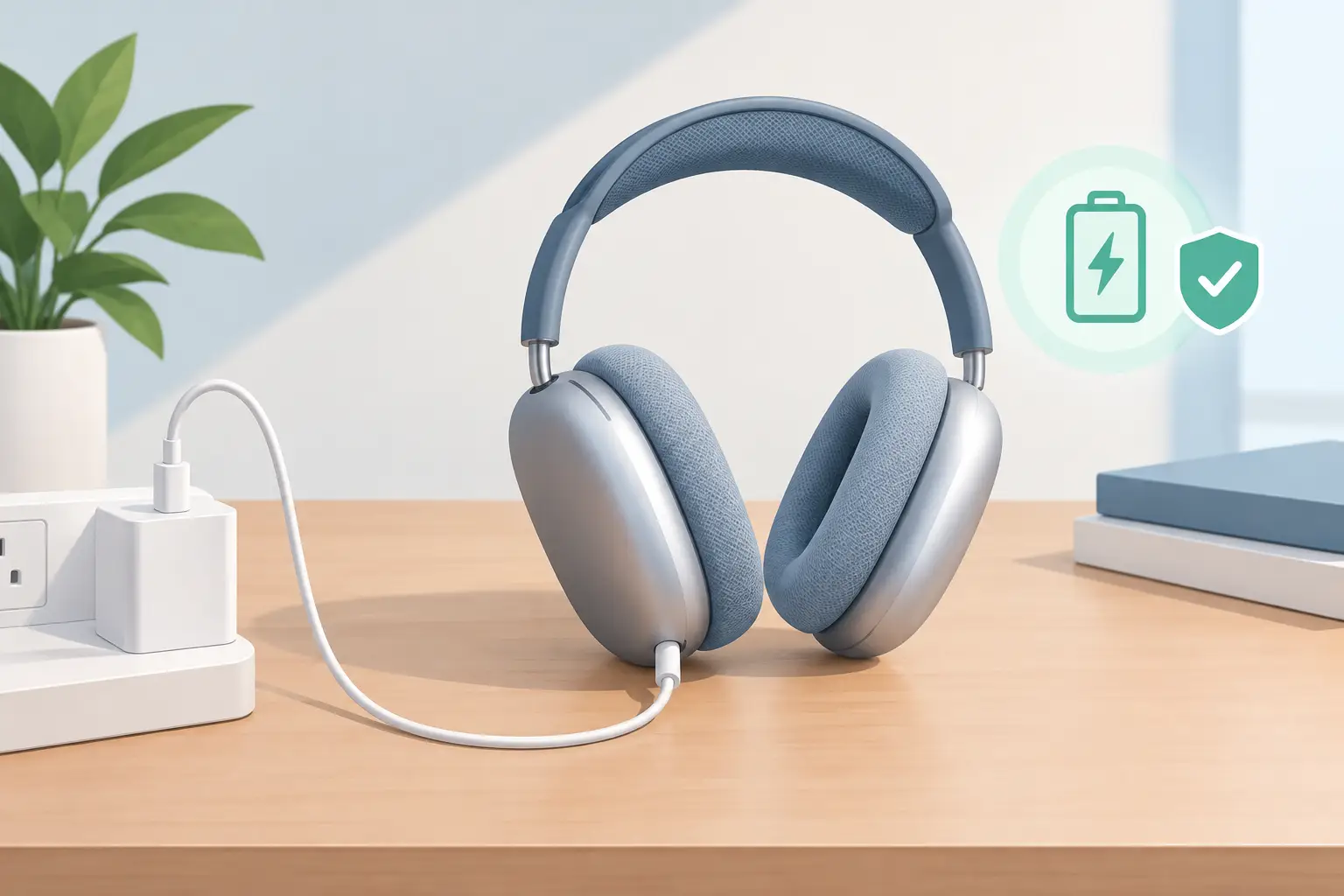
A flat battery is frustrating enough before a commute, flight or long study session. Knowing how to charge AirPods Max correctly helps you get reliable listening time, protect the battery and recognise when a charging issue may need professional attention.
The process is simple, but the right cable, power source and storage habits make a real difference over time. AirPods Max are premium headphones designed to be used daily. Treating their battery well is one of the easiest ways to protect that investment.
Charge AirPods Max correctly for your model
First, identify which charging port your AirPods Max use. Earlier models have a Lightning port in the bottom of the right ear cup. Newer USB-C models use a USB-C port in the same area. Use the cable designed for your version and make sure the connector is fully seated without forcing it.
Connect the other end to a reliable USB power adaptor, a powered computer port or a suitable charging hub. A mains adaptor is usually the most dependable choice when you need a quick recharge before leaving home. Avoid loose, damaged or very cheap unverified cables, as inconsistent power delivery can lead to slow charging or intermittent connection problems.
You do not need a special high-wattage adaptor. AirPods Max manage their own power intake, so a quality USB charger is more useful than chasing the highest possible wattage. If the headphones feel unusually warm while charging, unplug them and allow them to cool before trying again.
For a fast top-up, five minutes of charging can provide around 1.5 hours of listening time. A full charge typically takes about two hours, although this can vary with the cable, adaptor, remaining battery level and temperature.
Check that your AirPods Max are actually charging
The small status light on the right ear cup gives a useful indication of charge status. When the headphones are connected to power, green generally means the battery is at 95% or more, while amber means it is below 95%.
You can also check the battery level on a paired iPhone or iPad. Bring AirPods Max close to the device, or view the Batteries widget. This is often the clearest way to see whether the percentage is increasing normally.
If the light does not appear, start with the basics. Check that the wall socket is on, test another cable and inspect the charging port for lint or debris. Pocket fluff can stop the connector from making a proper contact, particularly with Lightning ports. Do not insert metal objects into the port. A careful visual check and a soft, dry brush are safer options.
A charging symbol that appears briefly and then disappears can point to a worn cable, dirty port or unstable power source. Swap one part of the setup at a time so you can identify the cause rather than replacing accessories unnecessarily.
What the Smart Case does and does not do
The Smart Case does not charge AirPods Max. Its purpose is to place the headphones into a low-power state when stored, helping to reduce battery drain. You still need to connect a Lightning or USB-C cable directly to the headphones to add charge.
For everyday use, placing AirPods Max in the Smart Case when they are not on your head is a sensible habit. This is particularly helpful if they live in a bag between lectures, meetings or journeys. It reduces avoidable drain and means you are less likely to find them unexpectedly low when you need them.
Battery habits that protect long-term performance
AirPods Max use a rechargeable lithium-ion battery. Like all rechargeable batteries, it gradually holds less charge as it ages. You cannot prevent that process completely, but you can reduce unnecessary strain.
Try not to leave the headphones completely flat for long periods. If you are putting them away for several weeks, charge them to roughly half first and store them in a cool, dry place. A deeply discharged battery left unattended for months may be harder to recover.
Heat is a bigger concern than many owners realise. Do not charge AirPods Max on a radiator, in direct sunlight or inside a hot car. Remove any heavy cover that traps heat around the ear cups while they charge. If you have used the headphones during exercise or in damp weather, make sure they are fully dry before connecting a cable.
Charging overnight is generally fine because the headphones manage charging once full. However, if your charging area gets warm or your cable is visibly damaged, do not leave that setup unattended. A good-quality cable and a clear, ventilated surface are the safer choice.
You also do not need to obsess over charging only to a certain percentage every time. For most people, regular convenient top-ups are better than repeatedly running the battery down to zero. The practical aim is simple: keep them charged enough for your routine, avoid excessive heat and use dependable accessories.
Avoid common charging mistakes
The most common mistake is assuming any cable that fits is automatically a good cable. A connector may fit but still have internal damage or poor tolerances. If charging is unreliable, test with a known-good cable and adaptor before assuming the battery itself has failed.
Another is charging through a laptop or hub that is already powering several devices. It may work, but available power can be inconsistent, especially when the computer is low on charge. For faster, more predictable results, use a suitable wall adaptor.
It is also worth avoiding force. If a cable will not enter smoothly, stop and inspect the port and connector. Forcing it can damage the port, turning a straightforward cleaning issue into a repair.
Finally, do not ignore repeated battery drain just because the headphones still charge. If AirPods Max lose a large amount of charge while stored in the Smart Case, fail to hold a useful charge or only work when connected to power, the battery may be deteriorating or another fault may be affecting power management.
When a charging problem needs repair
A single slow charge is not always a serious issue. Cold conditions, a low-powered USB port or a tired cable can all explain it. A repeating pattern is more significant.
Consider a diagnosis if your AirPods Max will not charge with multiple tested cables and power sources, the status light never responds, battery percentage remains stuck, or the headphones drain unusually quickly after a full charge. Connectivity faults and audio issues can sometimes appear alongside battery problems, so it is worth having the full device checked rather than focusing only on the charging port.
For owners who want to keep premium headphones in service rather than replace them, battery replacement can be a practical route. MaxFix specialises in AirPods Max repairs, with a free diagnosis and No Fix No Fee approach, so you can understand the fault before committing to work.
A clean port, a reliable cable and sensible storage will cover most day-to-day charging needs. If your AirPods Max still cannot hold charge as they should, getting the cause checked early can save you from a dead battery at the moment you most want to press play.