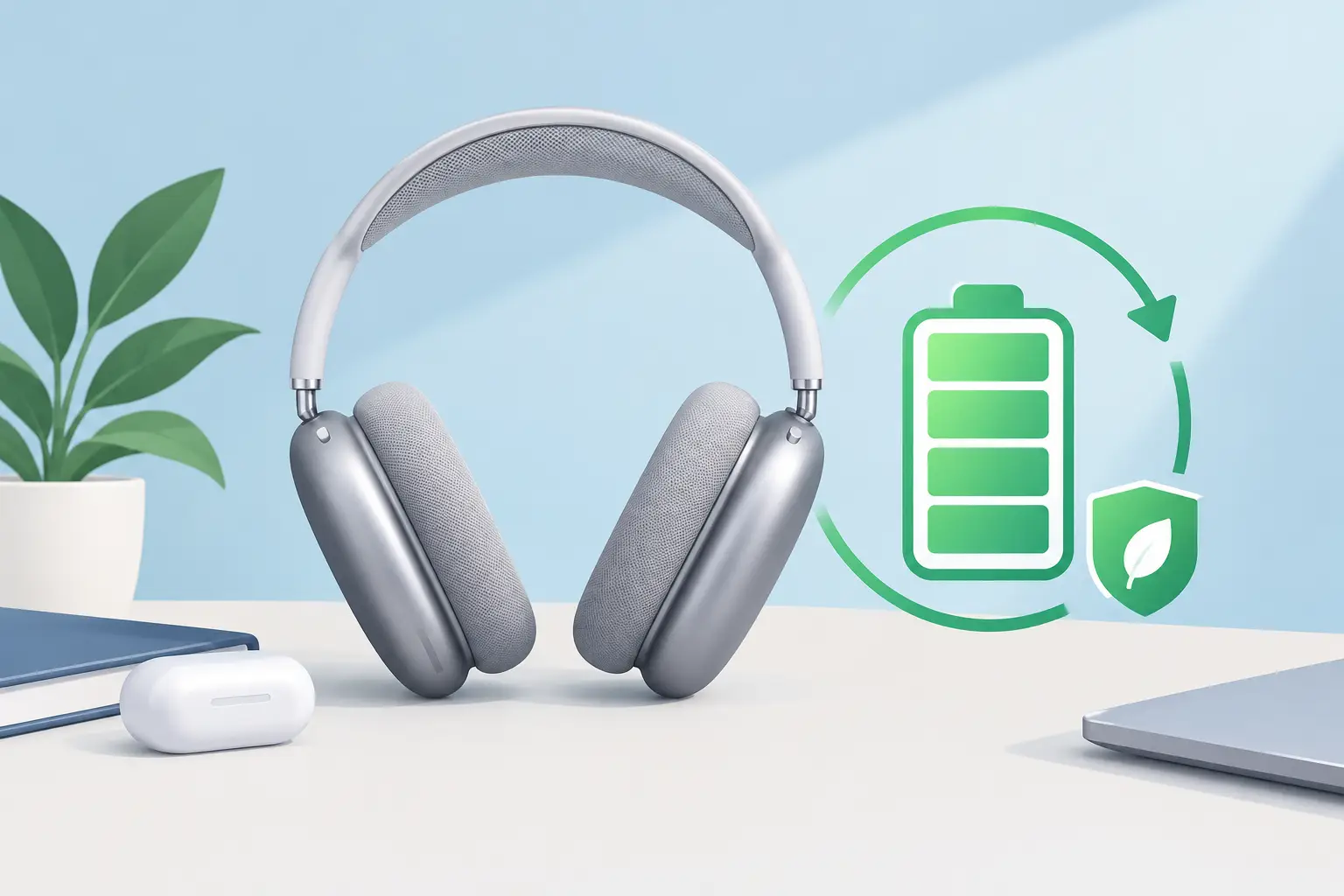
AirPods Max are built for long listening sessions, commutes and focused workdays, but their battery is not designed to last forever. Knowing how to extend AirPods Max battery lifespan can protect both your daily listening time and the value of a premium pair of headphones. The aim is not to obsess over every percentage point. It is to avoid the habits that create unnecessary heat, deep discharge and background drain.
The built-in battery is a consumable component. Like any rechargeable lithium-ion battery, it gradually holds less charge as it ages. Good care slows that process down. It also makes it easier to spot when a genuine battery fault, rather than normal ageing, is affecting your AirPods Max.
Understand what shortens battery life
Battery ageing happens for two reasons: use and time. Every full charge cycle creates a small amount of wear, while heat and long periods at extreme charge levels can add further strain. A pair used heavily every day will naturally lose capacity sooner than a pair used occasionally, but poor storage can make the difference more noticeable.
The most common avoidable issue is heat. Leaving AirPods Max in a sunny car, beside a radiator or under a pillow while charging can raise battery temperature. Heat affects the battery cells and can also make charging less predictable. If the earcups feel unusually warm, remove the charging cable and let them return to room temperature before using or charging them again.
Repeatedly running the battery completely flat is another habit worth avoiding. One accidental flat battery will not ruin your headphones. The problem is making it routine, especially if the headphones then remain empty for days or weeks. Lithium-ion batteries are happier with regular, moderate charging than constant zero-to-100% swings.
Use the Smart Case every time you finish listening
AirPods Max do not have a conventional power button. Their Smart Case plays an important role in reducing power use when the headphones are not being worn. Put them into the case after a commute, at the end of the workday or whenever they are going into a bag.
This matters because leaving them out can allow the battery to drain while they remain ready to connect. They will enter lower-power states when left still, but the case is the more reliable choice for storage and helps prevent avoidable standby drain. It also protects the earcups from knocks, dust and pressure in a backpack.
The Smart Case is not just an accessory to use on long journeys. For most owners, it is the simplest daily battery-saving habit. Keep it somewhere convenient, such as beside your desk or with your keys, so using it becomes automatic.
Charge little and often, not only from empty
There is no need to wait until AirPods Max reach 0% before charging. In fact, topping them up before a long journey or a busy week is usually better than deliberately draining them first. Charge when it suits your routine, ideally before the battery becomes critically low.
You do not need to rigidly stop at 80% either. A full charge is useful when you need maximum listening time for travel, study or work. The practical balance is simple: avoid leaving the headphones at 0% for extended periods, and avoid keeping them on charge at 100% in a hot place for days at a time.
If your iPhone offers Optimised Battery Charging for your AirPods Max, leave it enabled. This feature learns aspects of your charging routine and can delay charging beyond 80% until you are likely to use the headphones. It will not transform an old battery into a new one, but it is a sensible background setting for regular overnight charging.
Use a reputable USB-C or Lightning cable that fits your model, along with a suitable power adapter. You do not need an expensive specialist charger. The priority is a cable and plug that are undamaged, reliable and not overheating. If a cable only charges at a certain angle or disconnects repeatedly, replace it rather than forcing the connector.
Keep charging cool and uncomplicated
A cool, dry surface is the best place to charge AirPods Max. Avoid charging inside a tightly packed bag, beneath bedding or near heat sources. If you have just returned from a hot train platform, a gym session or a walk in warm weather, give the headphones time to cool before plugging them in.
Wireless charging is not relevant to AirPods Max, so cable condition deserves more attention. Check the charging port periodically for lint or debris, particularly if the headphones travel in pockets or bags. Do not insert metal objects into the port. A soft, dry brush used carefully is safer, and persistent charging problems are better assessed professionally.
It is also worth avoiding cheap, damaged or uncertified charging accessories. They may not always cause a fault, but inconsistent power and loose connectors add risk where there is no meaningful saving to be made.
Store AirPods Max properly between uses
Storage matters most when you will not use the headphones for several weeks. Do not put them away completely flat. Charge them to roughly half capacity, place them in the Smart Case and store them in a cool, dry indoor location. Check the charge occasionally if the storage period is long.
Avoid lofts, sheds, cars and damp rooms. Extreme cold can temporarily reduce battery performance, while sustained heat can contribute to permanent capacity loss. Humidity is also unwelcome around the charging port, cushions and electronics.
For everyday storage, the same principle applies. The headphones should be protected from pressure and unnecessary heat, not sealed somewhere that traps moisture. The Smart Case and a stable shelf or drawer are a better choice than the bottom of a crowded bag.
Reduce drain caused by connection and software issues
Not every battery problem is battery degradation. If AirPods Max lose charge unusually quickly while you are not listening, check whether they are repeatedly connecting to a nearby Apple device. Bluetooth issues, firmware behaviour and sensor faults can all make the headphones appear awake when they should be resting.
Start with the straightforward checks. Confirm they are placed correctly in the Smart Case, make sure your connected devices are running current software and restart the headphones if their behaviour has become erratic. A reset and re-pair can help where connections drop, automatic switching becomes unreliable or battery readings appear inaccurate.
Pay attention to the pattern. Normal battery ageing usually means shorter listening time that declines gradually. A sudden fall from a healthy percentage to empty, rapid drain while stored in the case, failure to charge consistently or random disconnects may point to a fault beyond routine battery wear.
Know when a battery replacement is the sensible option
No care routine can restore capacity that has already been lost. When charging becomes a daily inconvenience, a professional battery replacement can be more cost-effective than replacing otherwise good AirPods Max. This is particularly true when the headband, earcups, audio quality and connectivity are all in good condition.
A proper diagnosis matters before any repair. Battery symptoms can overlap with charging-port damage, internal connection issues and software faults. At MaxFix, AirPods Max are assessed before repair work, so you can understand the cause rather than paying to replace a part that is not responsible for the problem.
Consider repair if your headphones show one or more of these signs:
- They deliver far less listening time than they previously did after a full charge.
- The battery drops sharply at certain percentages or switches off unexpectedly.
- They lose significant charge in the Smart Case.
- Charging is slow, inconsistent or only works with a particular cable position.
- Battery issues appear alongside audio faults or Bluetooth connection problems.
A replacement battery is not only about longer listening sessions. It can make the headphones dependable again for commuting, calls and travel, while keeping a premium product in use for longer.
A realistic approach to long-term battery care
The best way to protect AirPods Max is not perfection. Use the Smart Case, keep charging cool, avoid leaving the battery empty for long periods and investigate sudden changes early. Full charges before a trip are fine. Heavy use is fine. Batteries are there to be used.
What matters is preventing avoidable strain and choosing repair when the headphones still deserve a second life. With sensible daily care and a timely diagnosis when something changes, your AirPods Max can remain a reliable part of your routine for years rather than becoming an expensive item left in a drawer.