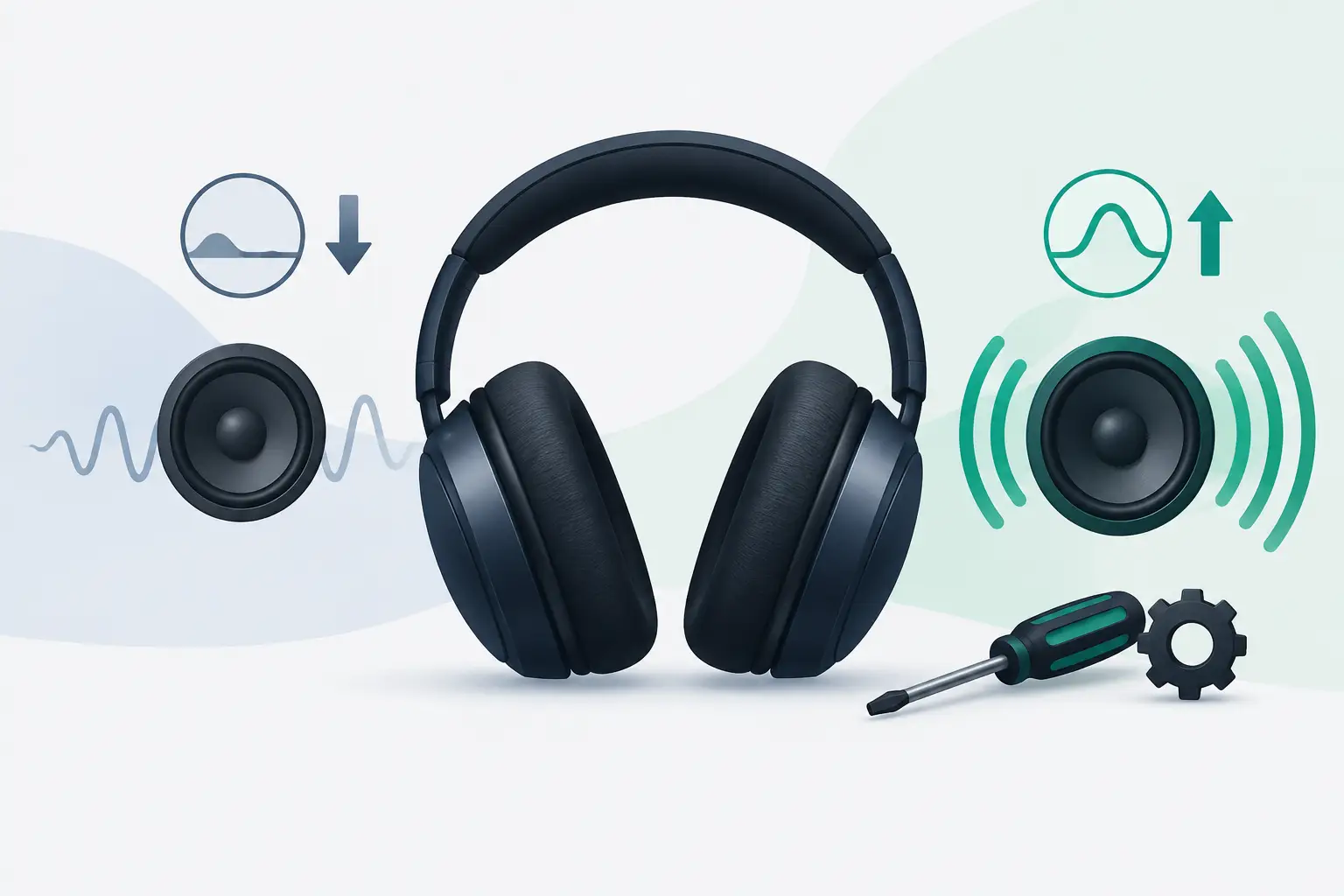
A familiar track suddenly sounds thin: vocals sit too far forward, kick drums lose their weight and the low end feels as though someone has turned it down. When headphones lose bass, the cause is not always a failed speaker. A poor fit, a changed setting or the audio source itself can produce almost the same result.
For AirPods Max owners, it makes sense to rule out the simple causes first. These headphones are designed to deliver full, controlled bass, so a noticeable change in sound is worth checking rather than accepting as normal wear.
Why headphones lose bass
Bass needs two things to work properly: a capable driver and a good acoustic seal around your ears. If either is compromised, low frequencies are usually the first part of the sound to disappear.
With over-ear headphones, even a small gap between the ear cushions and your head can make music sound flatter. Glasses with thick arms, hair caught beneath the cushions or a slightly shifted listening position can be enough to reduce bass. This is particularly noticeable with AirPods Max because their ear cushions are designed to form a close, comfortable seal.
The issue can also come from the device rather than the headphones. EQ settings, accessibility options, spatial audio modes, Bluetooth connection problems and poorly mastered tracks all change what you hear. Before assuming a hardware fault, test the headphones in a controlled way.
Start with the ear cushions and fit
Put the headphones on, then gently press each ear cup closer to your head while a bass-heavy track is playing. If the low end becomes fuller, the drivers are likely working and the seal is the issue.
Remove and inspect the ear cushions. Look for flattened foam, splits, loose material or a cushion that is not sitting correctly on the magnetic mount. Worn cushions do more than affect comfort. They can alter the sound balance and make otherwise healthy headphones seem underpowered.
Clean any visible debris from the cushion edges and the ear cup surface with a dry, soft cloth. Avoid spraying cleaner directly onto the headphones or allowing moisture near the openings. If you wear glasses, try listening without them briefly. It is a simple test that can reveal whether the arms are breaking the seal.
A replacement cushion may be the right answer when the material has lost its shape. It is a lower-cost fix than a repair, but only when the change in bass is clearly linked to fit. If pressing the ear cups in makes no difference, keep testing.
Check the track, app and device settings
Use two or three familiar songs with clear bass, ideally from different artists and albums. One track is not enough to diagnose a problem. Some modern mixes are deliberately restrained at the low end, while others can sound heavy even on modest headphones.
Next, try another app or device. If the bass returns on a different phone, tablet or computer, the headphones are not the main problem. Check that the second device has not retained a separate EQ profile or audio setting.
On Apple devices, review your music app EQ and any Headphone Accommodations settings under Accessibility. A custom tuning profile, balance adjustment or unusual EQ choice can make the sound seem less natural. Set EQ to off or flat for the test, ensure left-right balance is centred, then listen again.
Spatial Audio can also change the perceived weight of a track. It does not automatically remove bass, but some mixes sound more spacious and less direct with it enabled. Turn it off temporarily and compare the same section of a song. The aim is not to decide which mode is better, but to find out whether the sound change follows a setting.
Keep volume at a sensible level while testing. Very low volume can make bass feel reduced because our hearing is less sensitive to low frequencies at quieter levels. Turning the volume up slightly may restore the balance you expect, but it should not be used to mask an obvious fault.
Rule out a connection problem
Bluetooth issues do not always cause complete dropouts. Sometimes they create unstable audio, reduced detail or an imbalance that makes one ear cup seem weaker than the other.
Move close to your device, pause any downloads or streaming activity, and disconnect other Bluetooth accessories that may be competing for attention. Then forget the headphones in your device Bluetooth settings, pair them again and test the same tracks.
Restarting both the source device and AirPods Max can clear temporary connection faults. If sound remains thin across multiple devices and apps after reconnecting, the issue is less likely to be a simple pairing problem.
It is also worth checking whether the change is in both ear cups. Play a track with steady bass and gently move the balance control fully left, then fully right. If one side has noticeably less bass, crackles, distorts or cuts in and out, that points more strongly towards an audio hardware issue than an EQ setting.
When a bass problem may be a hardware fault
A loss of bass is more concerning when it happens suddenly, affects one side more than the other or arrives alongside other symptoms. Distortion at normal listening levels, rattling on bass notes, intermittent sound, crackling, poor noise cancellation and unreliable Bluetooth can all indicate a fault that needs proper diagnosis.
AirPods Max have several connected components that influence your listening experience, including drivers, microphones, internal cabling, battery systems and electronics. The symptom alone does not prove which part has failed. That is why opening the headphones at home or relying on an online guess can create more risk than value.
Moisture exposure is another reason to act carefully. Condensation can build up during long listening sessions, particularly when moving between cold outdoor air and a warm commute or home. If you notice dampness around the ear cups, remove the cushions, allow the headphones to air dry naturally in a dry room and avoid charging or using them until they are fully dry. Do not use a radiator, hairdryer or compressed air.
Battery condition can matter too. A degraded battery does not normally remove bass on its own, but power-related faults can sit alongside audio and connectivity problems. If your AirPods Max also drain unusually quickly, fail to wake consistently or disconnect without warning, mention every symptom when arranging a diagnosis.
Avoid fixes that can make things worse
It is tempting to compensate for weak bass by raising the EQ, pushing volume higher or forcing bass-boost settings. This can make the sound temporarily fuller, but it may also introduce distortion and make it harder to identify the real cause. If a driver is already struggling, extra bass can place more stress on it.
Avoid poking into grilles, pulling at the mesh or using liquids near the ear cups. The same applies to unverified replacement parts. A cheaper part is not always a saving if it changes the fit, comfort or sound profile you bought AirPods Max for.
A reliable test is more useful than a dramatic fix: compare both sides, test several tracks, try another device and check the seal. Those steps take little time and give a repair specialist clearer information if the problem remains.
When to arrange an AirPods Max repair
Professional repair is the sensible next step if the bass remains weak after testing fit, settings and more than one source device. It is especially worthwhile where one ear cup sounds different, the audio distorts, or the problem appears with battery, connection or noise-cancellation faults.
For an expensive pair of headphones, repair can be a better value decision than immediate replacement. A specialist service should identify the fault before charging for work, explain the repair route clearly and test the headphones after repair. MaxFix provides a free diagnosis for AirPods Max repairs, with a No Fix No Fee commitment, so you can understand the issue before deciding what to do.
Your headphones should make familiar music feel familiar again: clear vocals, controlled detail and bass with presence rather than bloat. If the simple checks do not bring that balance back, getting the fault assessed is the practical way to protect both your listening experience and your investment.