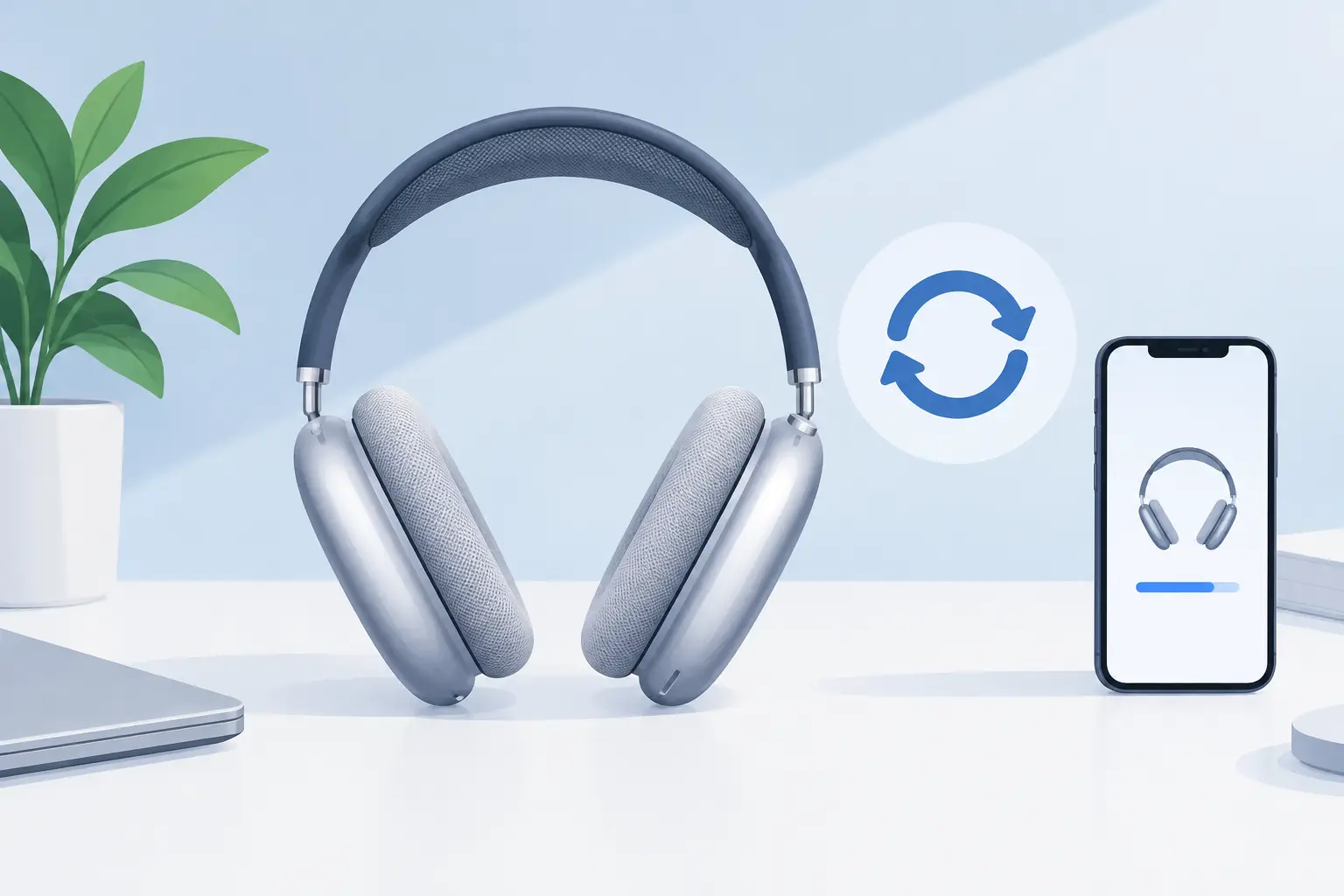
A connection that drops halfway through a commute, controls that stop responding, or audio that only plays in one ear can make premium headphones feel far less premium. Knowing how to reset AirPods Max headphones gives you a sensible first step before assuming the fault is serious. The key is choosing the right reset: a simple restart preserves your existing setup, while a factory reset clears it and prepares the headphones to pair again.
Resetting can solve many temporary software and Bluetooth problems. It cannot repair a worn battery, damaged speaker, faulty cable or a physical connection issue. That distinction matters, particularly when your AirPods Max are outside their original purchase period and you want a clear answer before spending money on a replacement.
Restart or factory reset AirPods Max headphones?
Start with a restart if your AirPods Max are still paired to your iPhone, iPad or Mac but are behaving inconsistently. A restart is the less disruptive option. It can clear a temporary issue with playback, switching between Apple devices, noise control or the Digital Crown without removing your Bluetooth pairing.
Use a factory reset when the headphones will not reconnect, are repeatedly showing as unavailable, refuse to enter pairing mode, or are being passed on to someone else. This returns them to their out-of-box pairing state. You will need to connect them to your devices again afterwards.
If you are selling, gifting or returning the headphones, also remove them from your Apple Account and Find My through your device settings. A factory reset alone may not remove Activation Lock. This step protects your account and prevents the next owner from facing an avoidable setup problem.
Before either option, give the headphones some charge. If the battery is completely flat, the status light may not give a clear response and a reset may appear not to work. Place AirPods Max in the Smart Case and charge them for several minutes, then try again.
How to restart AirPods Max
A restart is quick and should be your first move for minor faults. Keep the AirPods Max out of the Smart Case, then press and hold the noise control button and the Digital Crown together.
Continue holding both controls until the status light flashes amber. Release the buttons as soon as you see the amber flash. Do not keep holding for the white flash if you only want to restart the headphones.
Wait a short while, then put the headphones on and test the problem that prompted the restart. Play audio from the device you normally use, adjust volume with the Digital Crown and switch between noise cancellation and Transparency mode. Testing the original fault is more useful than simply checking that the headphones connect.
A restart often helps when sound pauses unexpectedly, automatic device switching is unreliable, or AirPods Max seem connected but produce no audio. If the same issue returns straight away, move on to the checks below rather than restarting over and over.
How to factory reset AirPods Max
A factory reset takes only slightly longer, but it removes the current Bluetooth pairing. Have your iPhone, iPad or other preferred device nearby so you can reconnect once the reset is complete.
First, take the headphones out of the Smart Case. Press and hold the noise control button and Digital Crown at the same time. Keep holding after the status light flashes amber. After roughly 15 seconds, the light should flash white.
The white flash is the important part. It confirms that AirPods Max have been reset and are ready to pair. If you release the buttons at amber, you have restarted them instead.
Bring the headphones close to your unlocked iPhone or iPad and follow the onscreen pairing prompt. If a prompt does not appear, open Bluetooth settings, make sure Bluetooth is on and select AirPods Max when they appear. For a Mac, open Bluetooth settings and connect from the available devices list.
Once paired, check that both ear cups produce sound and that the microphone, Digital Crown and noise control button respond normally. It is also worth trying a phone call or voice recording if the issue involved microphone quality. A connection that looks fine during music playback can still reveal a problem when using calls.
If AirPods Max will not flash white
If the light never reaches white, charge the headphones again and repeat the process with both buttons held firmly. Check that the Digital Crown is not stuck and that the noise control button clicks as expected. Remove any cover or accessory that could obstruct the controls.
It can also help to clean the contact areas carefully and ensure the headphones are fully awake outside the Smart Case. Do not use liquid around the buttons or charging port. If the status light does not illuminate at all after charging, the problem may be power-related rather than a pairing fault.
What a reset can and cannot fix
A reset is useful for software-led issues. These include Bluetooth pairing failures, unreliable switching between Apple devices, unresponsive controls, unexpected audio routing and settings that appear stuck. It is low risk, costs nothing and takes little time.
However, it is not a cure for every fault. Intermittent crackling, permanently low volume in one ear cup, a battery that drains unusually fast, charging that only works at a certain angle, or headphones that will not power on can point to a hardware issue. A reset may temporarily change the symptom, but it will not restore a failing component.
This is where diagnosing the pattern saves time. For example, if AirPods Max work perfectly when fully charged but switch off soon after leaving the Smart Case, battery health is a more likely concern than Bluetooth. If one side remains silent across several devices after a factory reset, the fault is unlikely to be caused by your phone settings.
Checks to make before booking a repair
After resetting, test your AirPods Max with more than one device where possible. This separates a headphone fault from an issue with a particular iPhone, Mac or app. Check Bluetooth is enabled, confirm the device software is current and temporarily disconnect other nearby Bluetooth accessories that may be competing for audio.
Inspect the charging cable and port for obvious debris or damage. Use a known working cable and power source. If the headphones charge but lose connection only when worn, gently check whether changing the position of the ear cups affects the problem. Do not force the headband or attempt to open the ear cups yourself. AirPods Max have tightly integrated components, and DIY work can turn a repairable fault into a more expensive one.
Keep a note of what happens, when it happens and what the status light does. That gives a repair specialist much better information than simply reporting that the headphones are not working. Details such as “right ear cup cuts out after ten minutes” or “no light after overnight charging” help narrow down the likely cause.
When professional help makes more sense
If a restart and factory reset have not changed the issue, there is little value in repeating them. Persistent battery, audio and connectivity faults need proper assessment, especially with a premium product worth keeping in service.
MaxFix provides specialist AirPods Max diagnosis and repair for owners who would rather extend the life of their headphones than replace them prematurely. A clear diagnosis lets you decide whether repair is worthwhile, without guessing whether a reset has hidden a deeper fault.
Resetting is a practical first check, not a test of patience. If the headphones pair cleanly and work normally afterwards, get back to your music. If the fault remains, treat that result as useful evidence and choose the next step with confidence.