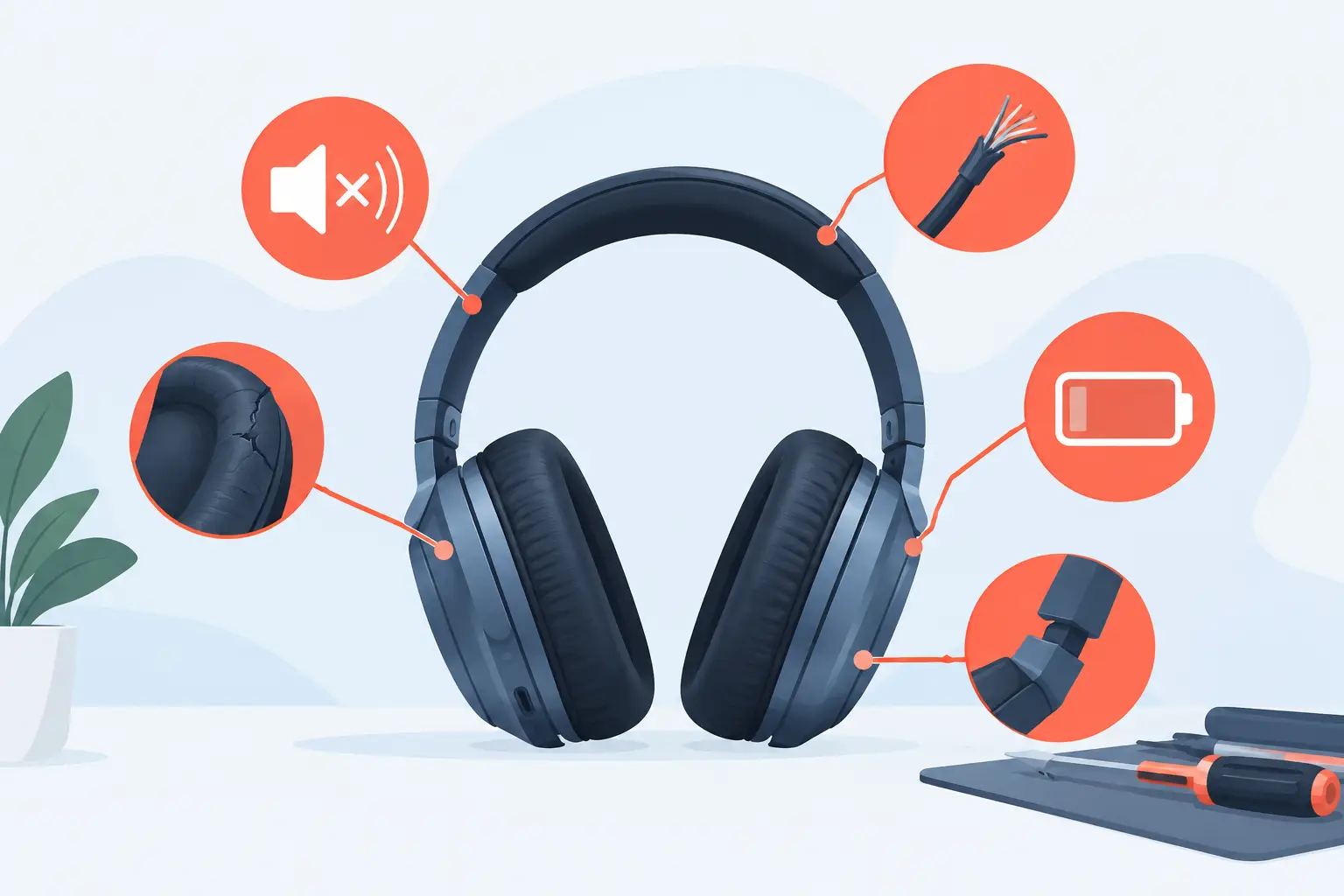
A right ear cup that suddenly goes quiet halfway through your commute is more than an annoyance. It is one of the top headphone repair warning signs that your AirPods Max may need attention before a small fault becomes a bigger, more expensive disruption.
AirPods Max are built for premium listening, but batteries age, components wear and daily use takes its toll. The good news is that many faults show themselves gradually. Knowing what to look for gives you a better chance of repairing your headphones, protecting their value and avoiding an unnecessary replacement.
Top headphone repair warning signs to act on
Battery life has dropped noticeably
A declining battery is one of the clearest signs that a repair may be worthwhile. If your AirPods Max once lasted through several days of listening but now need charging every day, or they lose a large percentage while sitting in the Smart Case, battery degradation could be the cause.
Look for a pattern rather than judging one short session. High volume, frequent noise cancellation and cold weather can all reduce runtime temporarily. But if the battery drains quickly in normal conditions, refuses to charge beyond a certain percentage or switches off with charge still showing, it is time for a professional diagnosis.
Trying different cables and power sources can rule out a simple charging issue. If the problem continues, a battery replacement can restore practical everyday use without the cost of buying another pair.
One side sounds quieter than the other
AirPods Max should deliver an even, balanced soundstage. When one ear cup becomes noticeably quieter, muffled or thin, the cause may be more involved than a volume setting.
First, check that the balance control on your paired Apple device is centred. Remove the ear cushions and inspect the speaker mesh carefully for surface dust or debris. Do not push anything through the mesh or use liquid near the drivers, as this can create further damage.
If the imbalance remains across more than one device and after a restart, it points towards an audio fault. Distortion at certain frequencies, a loss of bass or intermittent sound from one ear cup are further reasons not to ignore it. These issues rarely improve through continued use, and early assessment gives you a clearer route to repair.
Crackling, popping or distorted audio
Premium headphones should not make you work around unwanted noise. Crackling during podcasts, popping when switching tracks or distortion at normal volumes can indicate a driver, cable or internal connection issue.
The key question is whether the sound follows the headphones. Test the same track on another device, then test your AirPods Max with a different source. If the fault appears consistently through the headphones, it is unlikely to be the mobile phone, laptop or streaming app.
Occasional interference in a crowded station is possible, particularly over Bluetooth. Persistent crackling in a quiet room is different. Avoid turning the volume up to mask it, as that can make listening uncomfortable and does nothing to resolve the underlying fault.
Bluetooth connection keeps dropping
A brief reconnection after moving between devices can be normal. Repeated dropouts, long pairing delays or AirPods Max that will not appear in Bluetooth settings are not.
Start with the simple checks: make sure your device software is current, forget and re-pair the headphones, and test them with another compatible Apple device if available. This separates a device-specific issue from a headphone fault.
If your AirPods Max continue to disconnect at close range, connect only to one ear cup at a time or repeatedly need resetting, professional repair is usually the sensible next step. Connectivity faults can stem from internal hardware rather than a setting you have missed.
Noise cancellation or Transparency mode behaves oddly
Active Noise Cancellation and Transparency are central to the AirPods Max experience. A sudden hiss, uneven pressure sensation, weak outside-sound passthrough or little difference between modes deserves attention.
Check the ear cushions first. Damaged, flattened or poorly fitted cushions affect the seal around your ears, which can reduce perceived noise cancellation. Replace or refit them where needed, then test each mode somewhere consistent, such as at home near a fan or on a familiar train journey.
When modes still sound wrong, microphones or related internal components may be at fault. This is especially likely if people also report poor call quality. A specialist assessment can identify whether the problem is with the microphones, audio system or another component.
The Digital Crown or button stops responding
Controls that work only after several presses, change volume unpredictably or stop responding altogether should not be treated as a minor inconvenience. The Digital Crown and noise control button are physical parts, so regular use, accidental knocks and moisture exposure can affect their operation over time.
Before assuming a repair is needed, restart your AirPods Max and check that the problem happens while connected to different devices. If controls remain unreliable, avoid forcing or repeatedly pressing them hard. That may worsen a worn component.
A control issue is also worth investigating when it appears alongside sound, connection or power problems. Several symptoms at once can provide useful clues during diagnosis.
When moisture or condensation is part of the problem
AirPods Max are often used on rainy walks, packed into a gym bag or worn through long commutes. That does not mean every fault is caused by water, but moisture deserves caution.
Watch for condensation inside the ear cups, unexpected shutdowns after use outdoors, erratic controls or audio that changes after the headphones have been stored. Remove the cushions, allow the headphones to air-dry naturally in a dry room and do not use direct heat, radiators or a hairdryer. Heat can damage delicate components and adhesives.
Do not charge headphones you believe may still contain moisture. If normal behaviour does not return after they have dried, arrange a diagnosis rather than repeatedly testing them on charge. Prompt action can help prevent corrosion-related issues becoming more serious.
Repair, reset or replace: making the sensible call
Not every warning sign requires a repair. A temporary pairing fault may be fixed by a restart, while worn cushions can be replaced without any internal work. The deciding factor is usually consistency. If the issue returns after sensible checks, happens across multiple devices or affects everyday listening, it is no longer just a one-off glitch.
Repair is particularly compelling when the headphones are otherwise in good condition. AirPods Max remain premium hardware, and resolving a battery, audio or connectivity fault can extend their useful life significantly. It is often a better-value option than replacing a set that still fits your routine and Apple devices perfectly.
At MaxFix, AirPods Max repairs begin with a free diagnosis, so you can understand the fault before committing. The No Fix No Fee approach also removes much of the risk from investigating an issue that is difficult to identify at home.
What to do before sending headphones for repair
Take a moment to record the symptoms clearly. Note when the problem occurs, whether it affects one or both ear cups, how often it happens and what troubleshooting you have already tried. A short description such as “left side cuts out after 20 minutes” is more useful than “sound is bad”.
Remove personal accessories and make sure you know which device your AirPods Max are paired with. If possible, unpair them from your Apple ID and back up any relevant device settings. Keep the Smart Case only if instructed to include it, as repair requirements can vary.
Most importantly, do not wait until the headphones are completely unusable. A weak battery, uneven sound or repeated dropout is your cue to get a clear answer. Addressing the warning signs early can keep your AirPods Max delivering the sound, comfort and everyday reliability you bought them for.